Google Display Ads Sizes for Games & Apps in 2025
Complete Guide
Your ultimate blueprint to maximize in-app revenue using the most profitable ad sizes, formats, and placements for mobile games and apps.
Why Mobile Ad Sizes Matter More Than Ever (Especially for Games & Apps)
In 2025, the mobile gaming industry is projected to exceed 150 billion dollars in global revenue, with nearly 70–90 percent of earnings for casual, hyper-casual, puzzle, arcade, fitness, learning, and utility apps coming directly from ads.
This is why the correct ad size, the correct placement, and the correct timing directly determine:
• Maximum ARPDAU • Higher CTR • Strong eCPM • Better retention • Zero policy violations
If the ad size is incorrect: • Users may quit • Retention decreases • eCPM drops • The app may get flagged for poor user experience
Below is the complete and updated 2025 guide to the best mobile ad sizes for games and apps, along with examples and ideal gameplay flows for each placement.
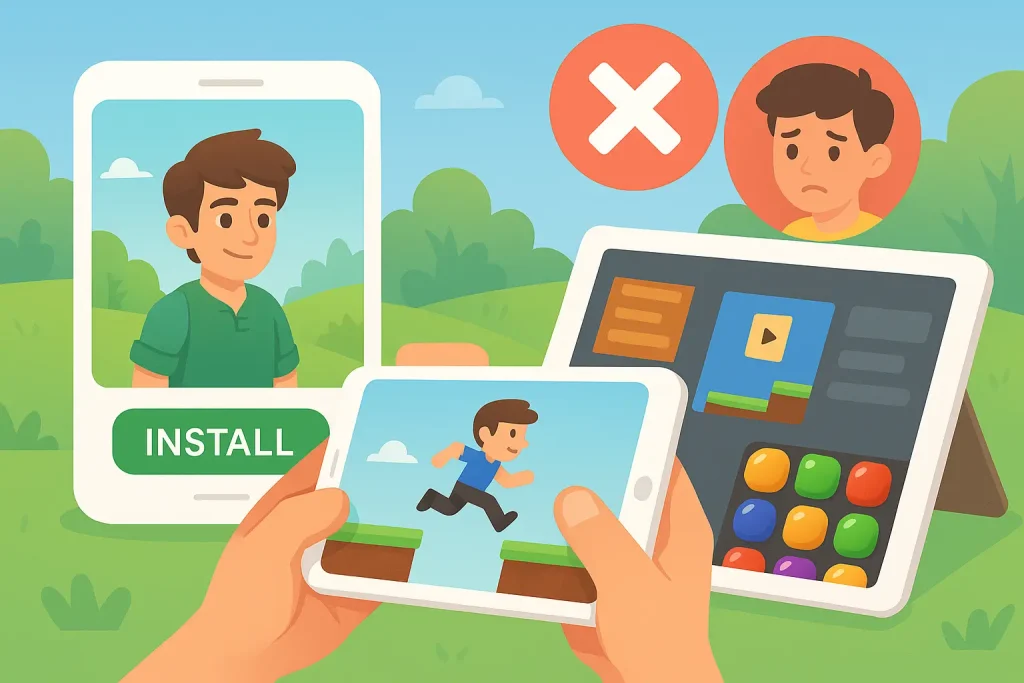
Top Mobile Ad Sizes for Games & Apps in 2025
1. 300×250 Medium Rectangle
Best overall for in-app revenue
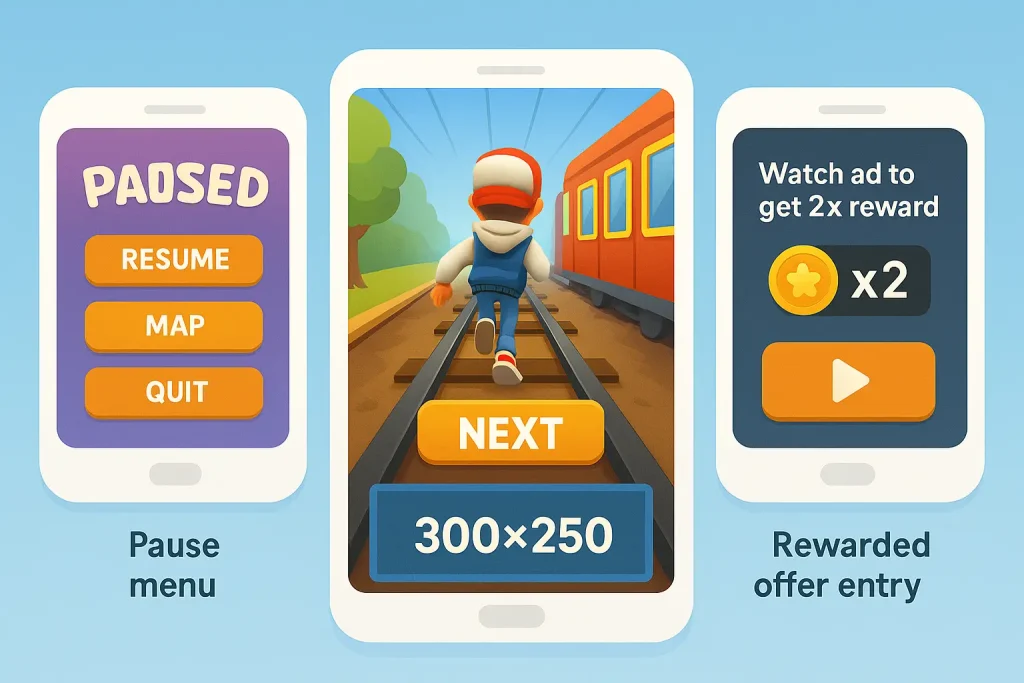
Why it works for games and apps: • Fits inside gameplay UI without blocking action • Loads quickly • Highest demand across ad networks • Ideal for between-level ads, pause screens, menus, and reward offers
Best placements (Game examples): • Between levels Example: Subway Surfers “Level Complete” screen with a 300×250 below the Next button. • Pause menu Example: Candy Crush pause screen with a small rectangle positioned under the options. • Rewarded offer entry Example: “Watch ad to get 2× reward” loads a 300×250 as the preview unit.
2. 320×50 Mobile Leaderboard
Perfect for bottom dock and anchor ads
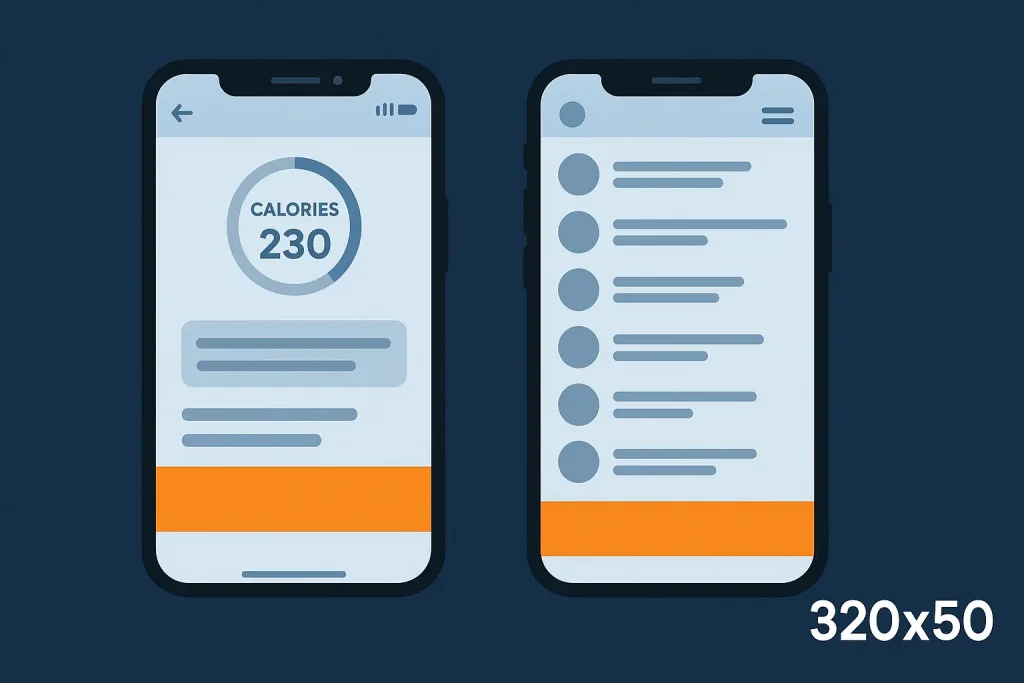
Why it works: • Non-intrusive • Stays visible during menu navigation • Best for apps with scrollable UI
Best placements (App examples): • Bottom dock bar Example: Fitness app calorie-tracker home screen with a bottom 320×50 anchor. • Messaging or list-based apps Example: Chat list screen where the 320×50 remains visible.
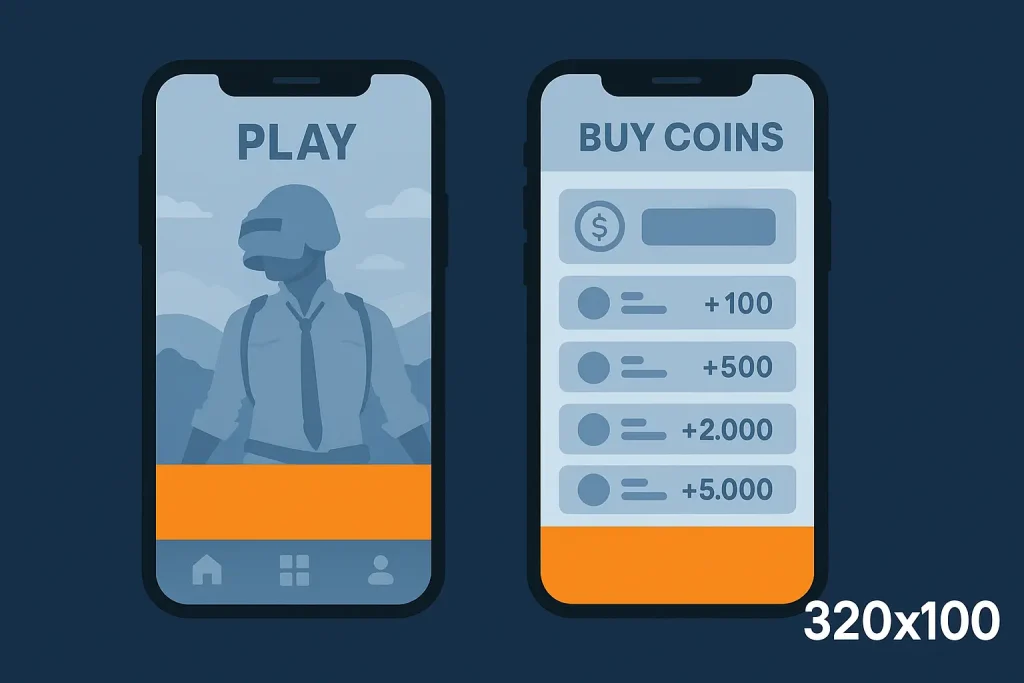
3. 320×100 Large Mobile Leaderboard
Twice the height, twice the engagement
Why it works: • Higher CTR • Stronger visibility • Ideal for clean UI apps and games
Best placements (Game examples): • Main menu Example: A PUBG-style home screen with a 320×100 above the bottom menu bar. • Store/shop screen Example: “Buy Coins/Gems” page featuring a 320×100 banner.
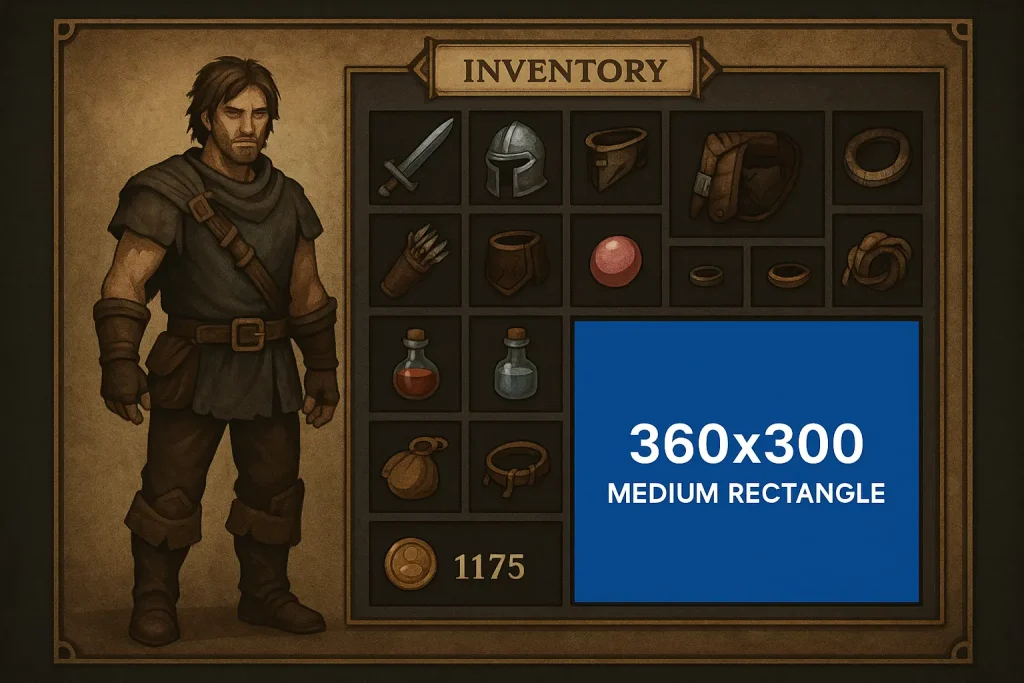
4. 360×300 Medium Rectangle
High performer for 2025
Why it works: • Ideal for landscape games • Great for static screens • High viewability on both mobile and tablet
Best placements: • Settings screen • Character customization • Inventory UI
Example: RPG game inventory page showing a bottom 360×300 ad with strong CTR.
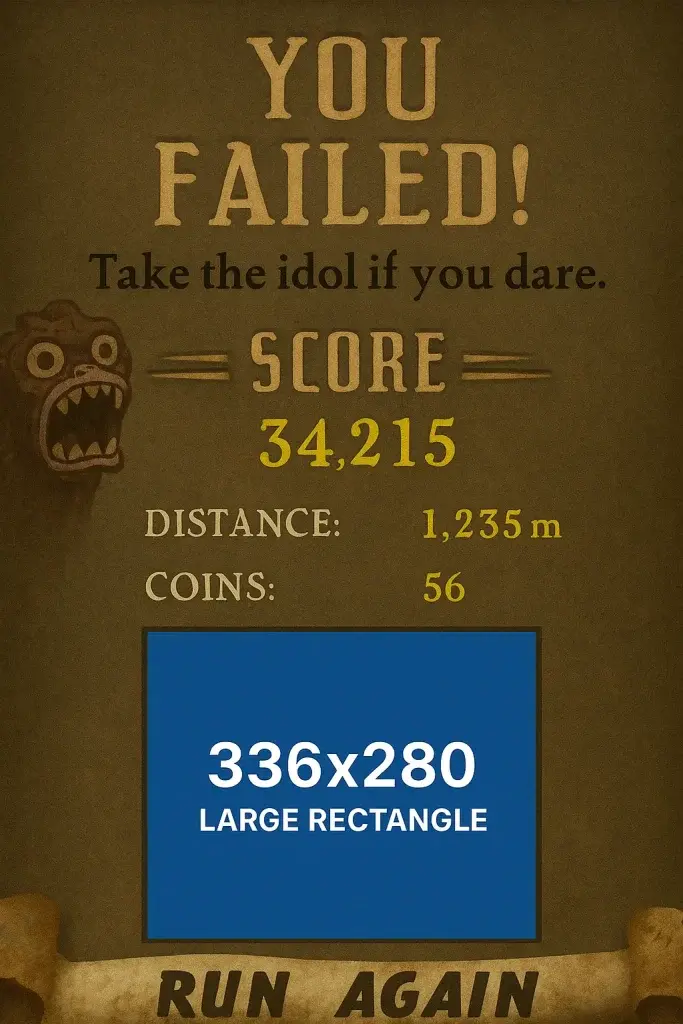
5. 336×280 Large Rectangle
Powerful, high-visibility ad format
Why it works: • Bigger canvas → higher engagement • Popular across Google AdX and AdSense • Works perfectly for pre-level and post-level screens
Best placements: • End-of-level summary • “Try Again?” screens
Example: Temple Run fail screen with a 336×280 below the score summary.
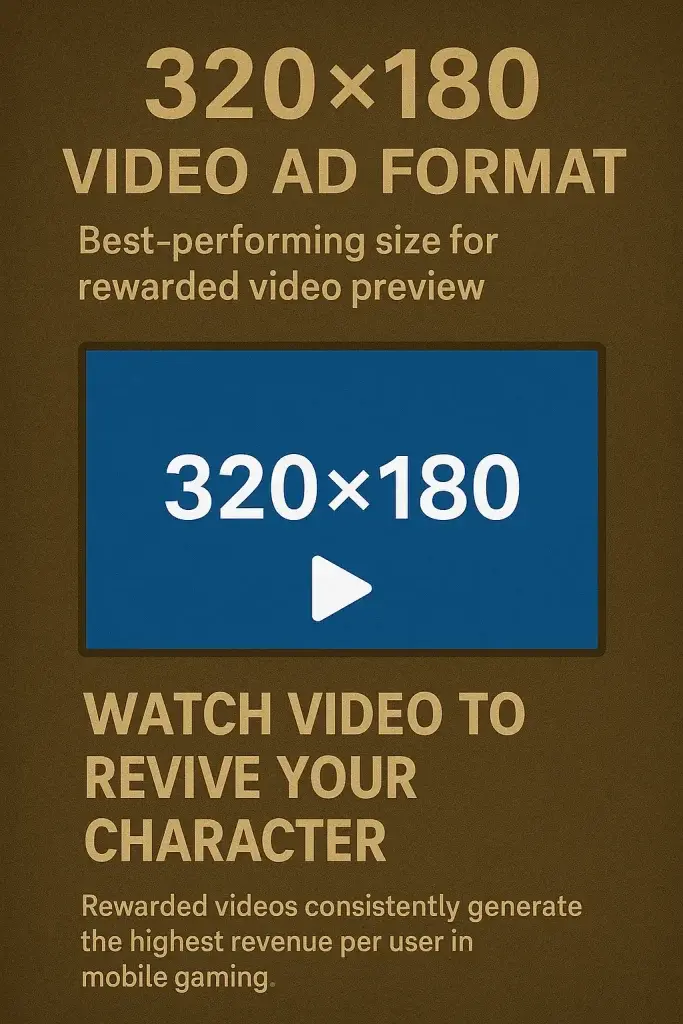
6. 320×180 Video Ad Format
Best-performing size for rewarded video preview
Why it works: • Perfect 16:9 ratio • Google auto-transcodes high-resolution video • Smooth playback across devices
Example use cases: • Rewarded videos Example: “Watch video to revive your character.” • Bonus wheel ads Example: “Spin the wheel” after previewing a 320×180 clip. • Energy refill Example: “Watch video to refill stamina.”
Rewarded videos consistently generate the highest revenue per user in mobile gaming.
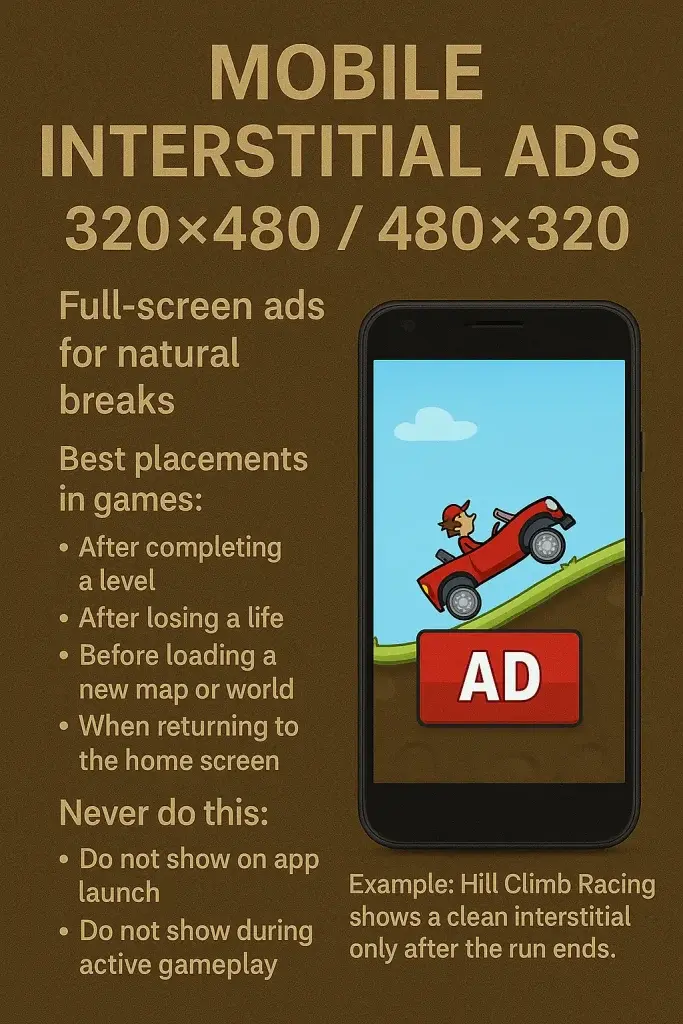
7. Mobile Interstitial Ads (320×480 / 480×320)
Full-screen ads for natural breaks
Best placements in games: • After completing a level • After losing a life • Before loading a new map or world • When returning to the home screen
Never do this: • Do not show on app launch • Do not show during active gameplay • Do not display during user controls or movement
Example: Hill Climb Racing shows a clean interstitial only after the run ends.
8. Rewarded Interstitial
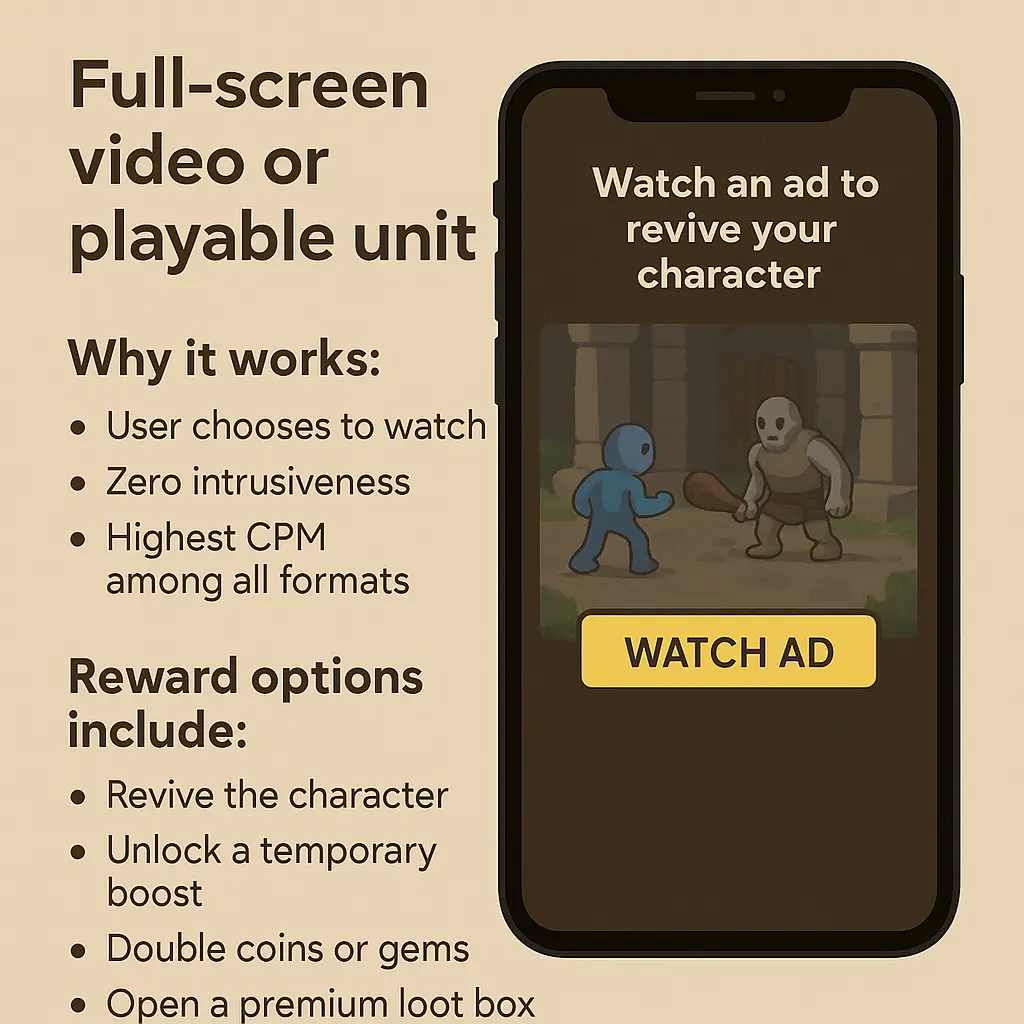
Full-screen video or playable units
Why it works: • User chooses to watch • Zero intrusiveness • Highest CPM among all formats
Reward options include: • Revive the character • Unlock a temporary boost • Double coins or gems • Open a premium loot box • Get extra hints
Native Ads for Mobile Apps
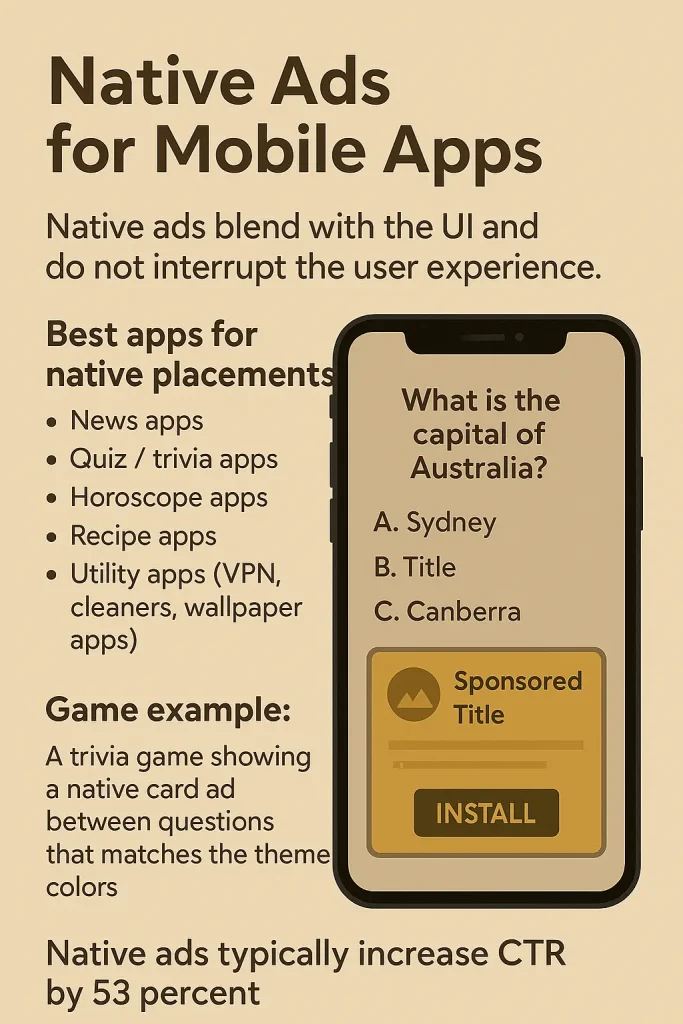
Native ads blend with the UI and do not interrupt the user experience.
Best apps for native placements: • News apps • Quiz / trivia apps • Horoscope apps • Recipe apps • Utility apps (VPN, cleaners, wallpaper apps)
Game example: A trivia game showing a native card ad between questions that matches the theme colors.
Native ads typically increase CTR by 53 percent.
Video Ads in Games & Apps
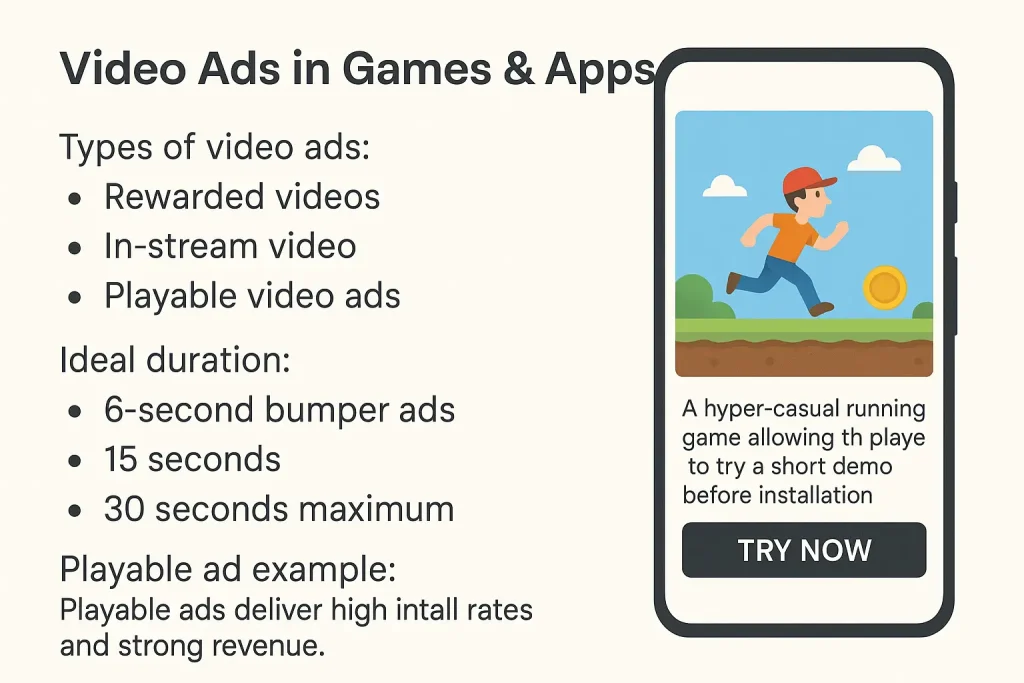
Types of video ads: • Rewarded videos • In-stream video • Playable video ads
Ideal duration: • 6-second bumper ads • 15 seconds • 30 seconds maximum
Playable ad example: A hyper-casual running game allowing the player to try a short demo before installation.
Playable ads deliver high install rates and strong revenue.
Best Practices for Mobile Games & Apps
- Show ads only at natural breakpoints • Level complete • Pause screen • Home screen • Loading screen
Never during gameplay or controls.
- Use the top-earning combination • Rewarded video • Interstitial • Banner/anchor
This is the strategy used by most top-earning mobile games.
- Avoid accidental click placements Google may ban your account if ads overlap with: • Jump buttons • Joysticks • Pause buttons • Gameplay HUD elements
- Use frequency caps for interstitials Recommended: • One interstitial every 2 minutes • Maximum 3–4 per session
- Offer meaningful rewards for rewarded videos Examples: • Extra life • 30 gems • Power-ups • XP boost • Unlock next level
Reward must feel optional, not forced.
Example Ad Setup for Different Game Types
Hyper-Casual Runner Game: • 300×250 on home screen • Interstitial after each run • Rewarded video for revive • 320×50 anchor on leaderboard page
Puzzle Game: • Rewarded video for extra moves • Interstitial after every 2 levels • 320×100 top banner in shop • 336×280 between puzzle categories
RPG Adventure Game: • Rewarded video for chest unlock • 360×300 inside inventory • Interstitial between quests • Native ad in community/message board
Summary Chart (Quick Reference)
| Ad Size | Best Use in Games/Apps | Strength |
| 300×250 | Menu, pause, between levels | Highest demand |
| 320×50 | Bottom anchor | Non-intrusive |
| 320×100 | Menu, store | High viewability |
| 360×120 | App screens | Modern clean layout |
| 360×300 | Inventory, character UI | Multi-device optimized |
| 336×280 | End-of-level screens | High engagement |
| 336×336 | Visual / reward screens | Eye-catching |
| 320×180 | Rewarded video | Best video format |
| 320×480 Interstitial | Level breaks | High CTR |
| Rewarded Interstitial | Revive/double rewards | Highest eCPM |
Google Display Ads (AdWords) Full Static Image Ad Size Guide (2025)
These are the official fixed-size static image ads you can upload directly to Google Ads (not responsive).
1. Most Common Uploadable Ad Sizes
| Size (px) | Name |
| 300 × 250 | Medium Rectangle |
| 336 × 280 | Large Rectangle |
| 728 × 90 | Leaderboard |
| 970 × 90 | Large Leaderboard |
| 970 × 250 | Billboard |
| 300 × 600 | Half-Page |
| 160 × 600 | Wide Skyscraper |
| 468 × 60 | Standard Banner |
2. Mobile Ad Upload Sizes
| Size (px) | Name / Use |
| 300 × 50 | Mobile Banner |
| 320 × 50 | Mobile Leaderboard |
| 320 × 100 | Large Mobile Banner |
| 300 × 100 | Alternate Large Mobile Banner |
| 250 × 250 | Square |
| 200 × 200 | Small Square |
| 300 × 200 | Mobile Rectangle |
| 300 × 250 | Mobile Rectangle |
3. Square & Responsive-Friendly Sizes
| Size (px) | Type |
| 250 × 250 | Square |
| 200 × 200 | Small Square |
| 300 × 300 | Square Variant |
| 600 × 600 | Large Square |
4. Vertical Ad Sizes (Accepted but Less Common)
| Size (px) | Type |
| 240 × 400 | Vertical Rectangle |
| 300 × 1050 | Portrait |
| 980 × 120 | Panorama |
| 120 × 600 | Legacy Skyscraper |
Google Policy Reminder for Static Image Ads
Google requires the following:
• Maximum file size: 150 KB • Allowed formats: JPG, PNG, GIF • Ads must be clear, readable, and high-quality • No deceptive UI elements such as: – Fake Play button – Fake Close button – Fake Download button • No clickbait or misleading content • No blurry, pixelated, or stretched images • Ad must match landing page content • If ad background blends with page background, a border is required
Animated GIF rules: • Maximum length: 30 seconds • Looping allowed • No flashing or disruptive transitions
Bonus: Google Recommended Sizes (Best Reach & Performance)
Google’s highest-demand ad sizes include:
• 300 × 250 • 336 × 280 • 728 × 90 • 160 × 600 • 300 × 600 • 320 × 100 • 320 × 50 • 970 × 250
These sizes consistently deliver better fill rate, higher impressions, and stronger CPMs across the Google Display Network.
Important Clarification
Static image ads are fixed-size banners.
This means: • Google does not resize them • You must upload each size manually • Each size is an individual creative • They do not adapt to placements
Static Ads = Exact size required Responsive Ads = Auto-adjust using multiple assets
Using the correct mobile ad sizes in mobile games and apps can dramatically improve:
• User retention • eCPM • ARPDAU • Overall monetization
The most profitable 2025 setup is: Rewarded Video + Clean Interstitials + Smart Banner/Native placements.
This is the system used by the top-grossing games on the Play Store and App Store.