How to Properly Create a Google Play Organization Developer Account and Avoid Termination - ASO Mehdi
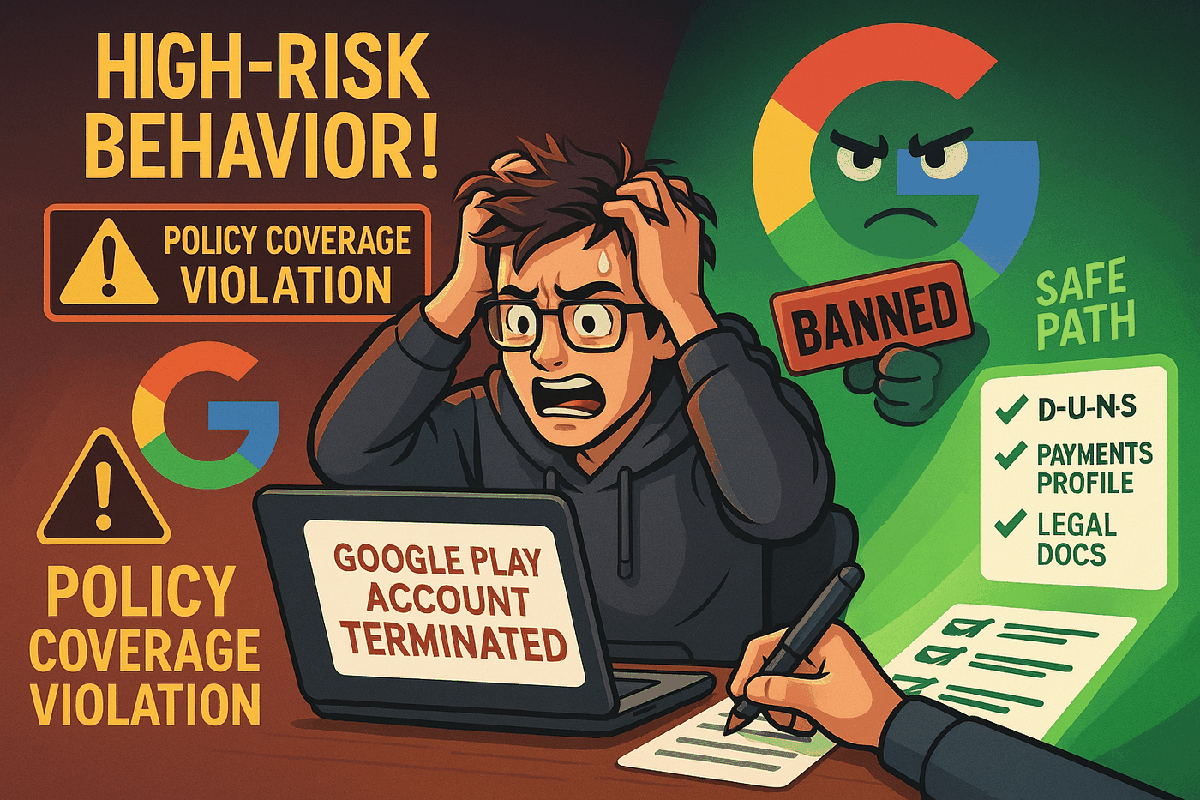
Opening a Google Play Developer Account for your organization sounds simple — but a small mistake during registration can cost you your entire account.
Google is extremely strict. If your identity is not properly verified, they can terminate your developer account under “Policy Coverage: High Risk Behaviour”, even if you haven’t published a single app yet.
In this guide, you’ll learn how to correctly set up your Google Play Organization Developer account — explained step-by-step with a real-world example, so your account remains live and safe.
Why Proper Setup Is Critical (Real Experience)
Having guided over 350+ Play Console account setups myself, I’ve seen many developers losing their accounts simply because they didn’t follow proper registration steps. They thought “we’ll fix it later,” but Google doesn’t give a second chance once flagged under High Risk Behaviour.
✅ Result: All the 350+ accounts I helped are still live today because they followed the correct process from Day 1.
Real-World Example: Meet Techwave Studios
Let’s assume you are starting a company called Techwave Studios — a mobile app development organization based in Pakistan.
Your goal:
- Open an Organization Google Play Developer account.
- Publish mobile apps under your company’s name.
- Stay compliant and avoid suspension.
I’ll walk you through every step using this example.
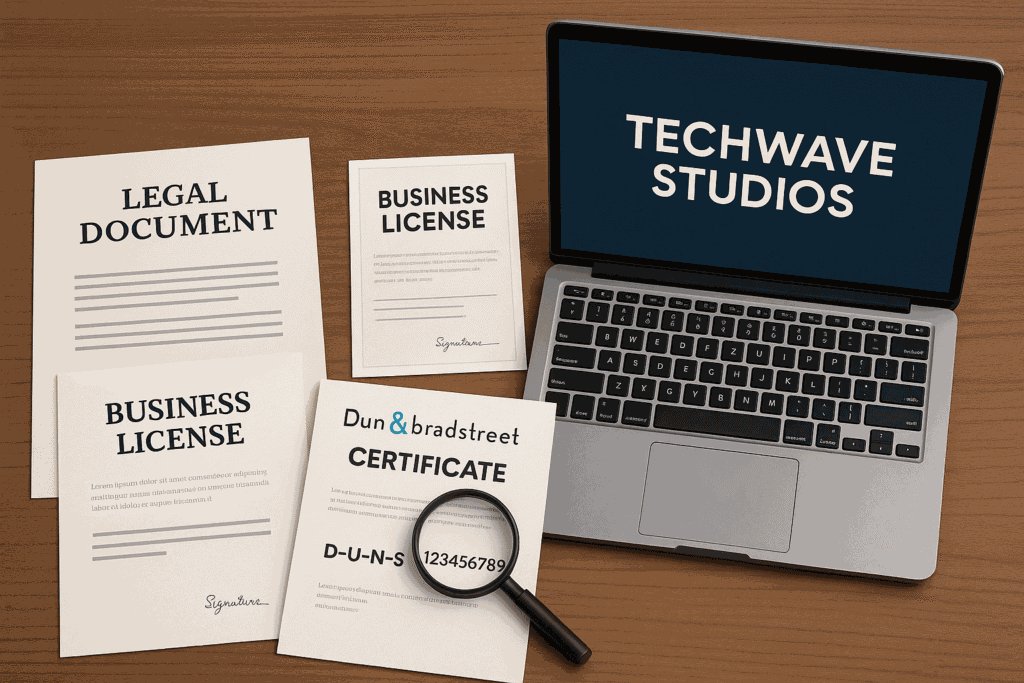
Step 1: Prepare Verified Legal Information
When you start, you must have:
- Organization Legal Name: Techwave Studios Pvt Ltd
- Official Business Address: Office #X, ABC Plaza, City, Country
- Official Phone Number: +92-42-12345678
- Official Website: www.DomainName.com
- D-U-N-S Number: 12-345-6789 (obtained from Dun & Bradstreet)
- Contact Person: Name of Person (Founder)
- Contact Email: email@compnyname.com
- Developer Public Email: Developer@compnyname.com
- Developer Public Phone: +92-42-12345678
Tip: Use business emails (custom domain) — never use Gmail, Yahoo, etc.
Step 2: Create a Google Payments Profile (Very Important)
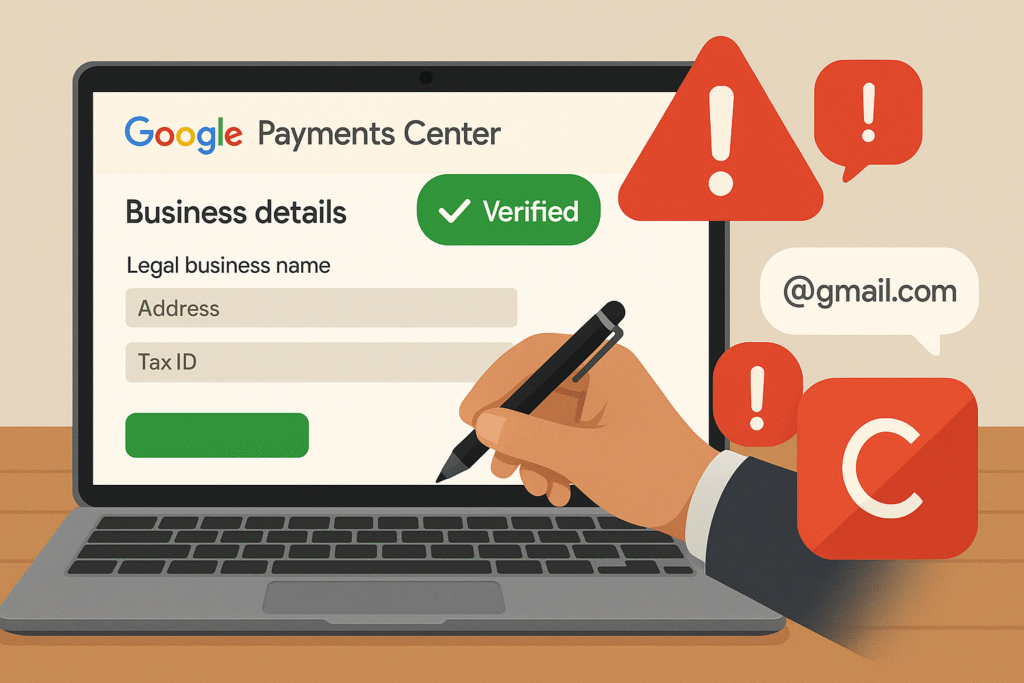
🔵 Go to Google Payments Center and create a business profile with:
- Business Name: Techwave Studios Pvt Ltd
- Business Address: Exact same address
- Phone: +92-42-12345678
- Tax ID (if applicable)
🔵 This profile becomes your identity proof for Google. If your profile and Play Console info don’t match, your account will be suspended.
🔵 Mistake to Avoid: Never use personal profiles for organization accounts.
Step 3: Obtain Your D-U-N-S Number (Without It, You Cannot Proceed)
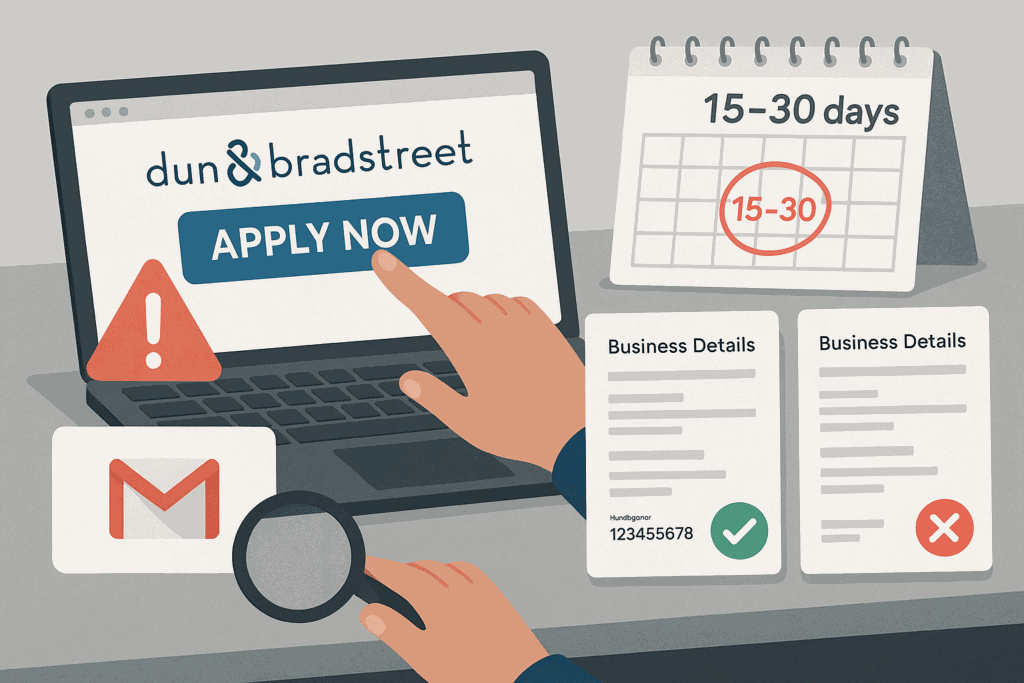
🔵 Visit Dun & Bradstreet’s website and check if Techwave Studios already has a D-U-N-S number. If not, apply for one — it’s free but can take 15–30 days.
🔵 Once you get the D-U-N-S number (example: 12-345-6789), make sure the name and address exactly match your payments profile.
Warning: If your D-U-N-S name = “Techwave Studio” but Payments profile = “Techwave Studios Pvt Ltd”, Google will detect mismatch and block your account.
Step 4: Sign Up on Play Console (Correctly)
🔵 Go to Google Play Console.
🔵 Choose Organization Account during signup.
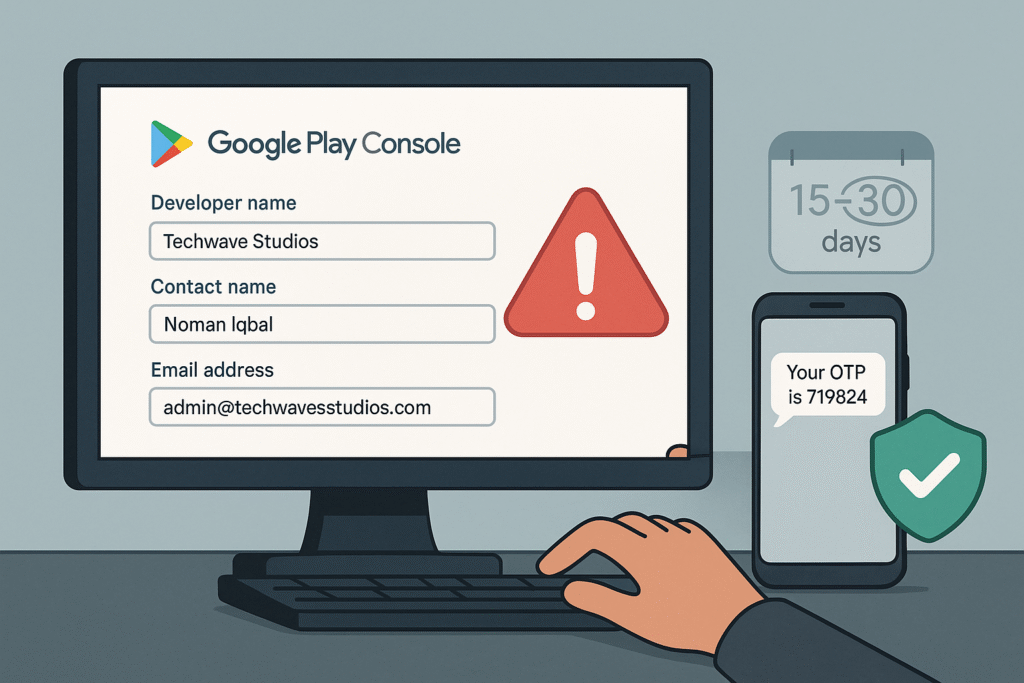
Fill details carefully:
| Field | Example Value |
|---|---|
| Developer Name | Name |
| Organization Name | Techwave Studios Pvt Ltd |
| Address | Office #X, ABC Plaza, City, Country |
| Website | www.DomainName.com |
| Developer Email (Public) | email@compnyname.com |
| Developer Phone (Public) | +92-42-12345678 |
| Contact Email (Private) | Developer@compnyname.com |
| Contact Phone (Private) | +92-42-12345678 |
Google will verify all your information through OTPs and document checks.
✅ Keep all emails and phone numbers active permanently.
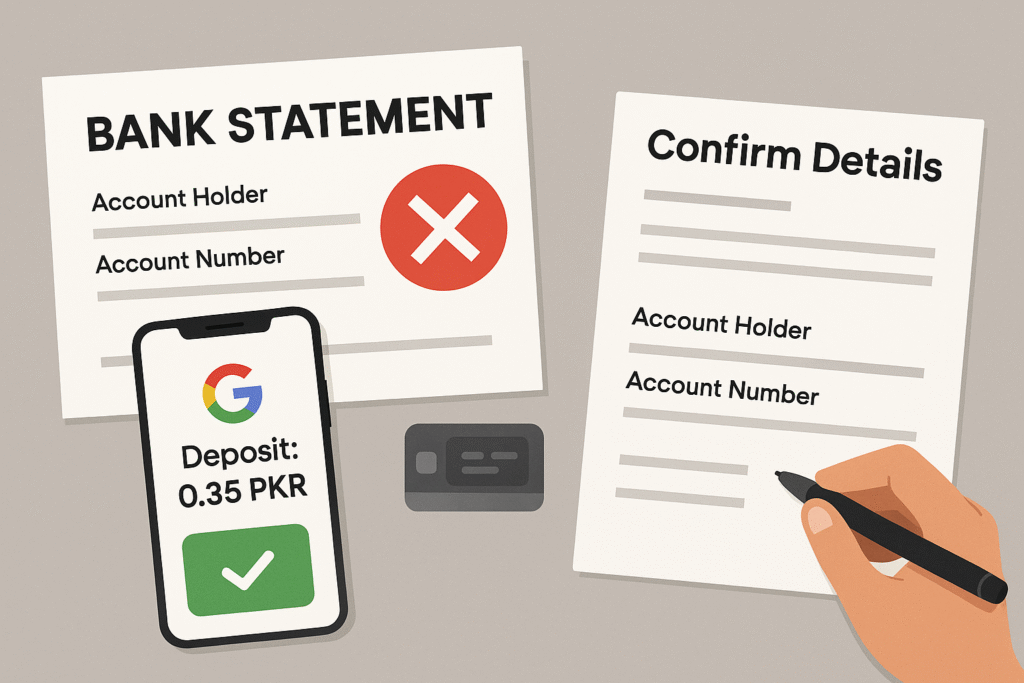
Step 5: Verify Payment Method (If Monetizing)
🔵 Add your Bank Details inside the Play Console.
Google will either:
- Send a small deposit to your bank (example: 0.35 PKR)
- Ask you to upload an official bank statement.
Complete the challenge within 5 days.
Mistake to Avoid: Bank details must match the Payments Profile and organization name.
Step 6: Publish Your Apps (Carefully)
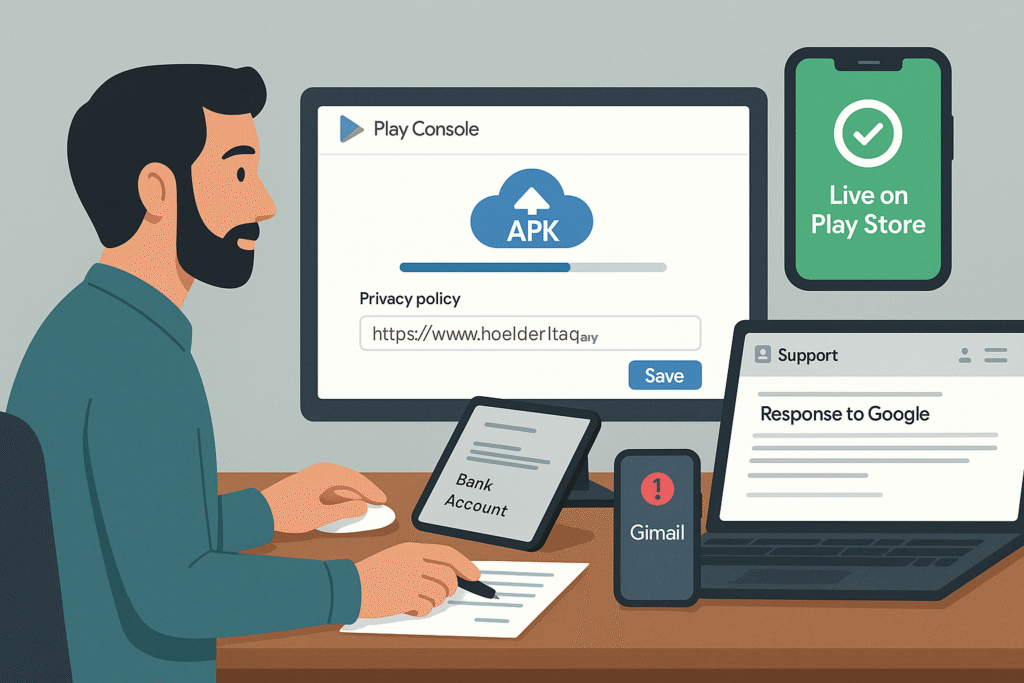
✅ Upload clean, policy-compliant apps.
✅ Always provide:
- App Privacy Policy URL
- Support Email
✅ Regularly monitor your registered contact emails and phone numbers for any Google communications.
Major Reasons Why Accounts Get Suspended
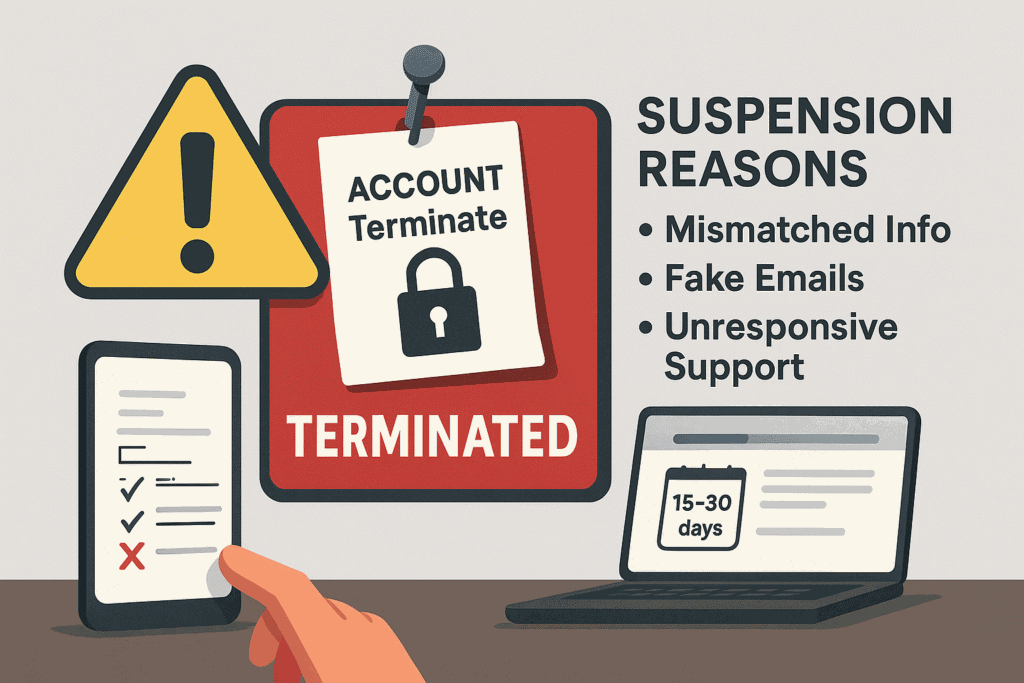
| Reason | Example |
|---|---|
| Payments Profile mismatch | D-U-N-S says “ABC”, Payments says “XYZ” |
| Fake/Temporary Email Usage | Using abc@other.com instead of a proper domain email |
| Fake Address Provided | Providing fake or unverifiable address |
| Non-Responsive Developer Info | Public developer email doesn’t respond to Google inquiry |
| Wrong Account Type | Registering personal account for a business |
Final Advice: Take Account Creation Seriously
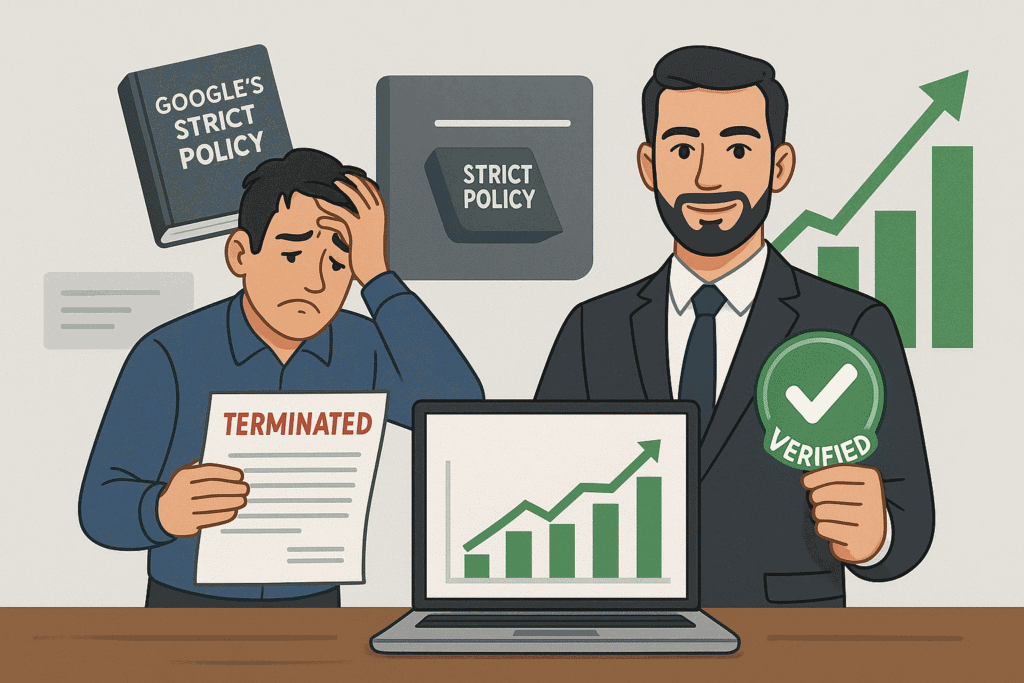
Many developers treat Play Console signup casually. They ignore matching names, addresses, or D-U-N-S verification — and later cry when the account gets terminated.
Google doesn’t tolerate:
- Suspicious activity
- Inconsistent business information
- Unverifiable organizations
Once flagged under High Risk Behaviour, recovering an account is nearly impossible.
Quick Checklist Before You Start
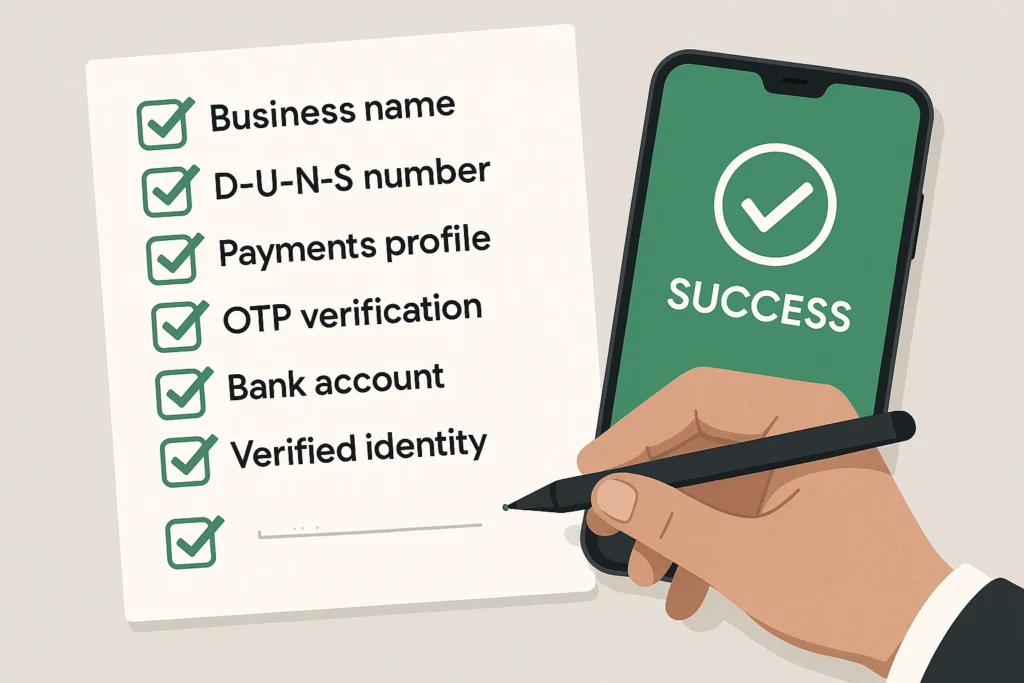
✅ Registered business name and address ready ✅ Active business website ✅ D-U-N-S number verified ✅ Google Payments profile created ✅ Official organization emails and phone numbers ready ✅ Contact details always active and monitored
Final Words
Creating a Google Play Organization Developer Account the right way is not optional — it’s necessary for your business survival on Google Play.
🔵 I have personally helped 350+ developers open proper organizational accounts — and their apps are live even today.
🔵 Follow the correct steps, and you’ll save yourself from stress, loss of business, and wasted time.
🚀 Work smart. Build strong foundations. And grow your apps safely on Google Play!
You are welcome to take consultancy services, and if you have any queries, you can email us at
Also, please do not forget to leave your comment.